TikTok Auto-Reply Mesages: Setup Guide for Businesses
TikTok is no longer just an entertainment platform. With over 1.5 billion users worldwide and tens of millions of active users in Vietnam alone, TikTok has become a major sales channel for businesses across industries. The rapid growth of TikTok Shop has further accelerated customer engagement, resulting in a significant increase in inquiries and direct messages.
However, as customer interactions grow, responding manually becomes increasingly difficult. Today's consumers expect near-instant responses, while sales teams cannot remain online 24/7. This is why more businesses are implementing TikTok auto replies to maintain fast response times, improve operational efficiency, and deliver a better customer experience.
In this guide, you'll learn how to set up automatic messages on TikTok, understand the limitations of TikTok's built-in automation features, and discover how to build a more advanced TikTok chatbot system with SaleSmartly.
Why Businesses Should Set Up TikTok Auto Replies
Response Speed Directly Impacts Conversion Rates
TikTok users tend to make purchasing decisions quickly. They watch a video, browse a product, and send an inquiry within minutes. If they don't receive a timely response, they are likely to leave or purchase from a competitor.
Automatic replies help businesses respond instantly to incoming messages, even outside business hours. This significantly reduces missed opportunities and increases conversion potential.
Manual Customer Support Doesn't Scale
As sales volume grows, so does the number of customer inquiries. Questions about pricing, shipping times, product availability, and return policies are often repeated throughout the day.
Automating these common interactions allows businesses to handle higher message volumes without increasing headcount, resulting in greater operational efficiency and lower support costs.
Consistent Customer Experiences
Customers expect accurate and consistent information regardless of when they contact a business. Automated messaging helps ensure every customer receives reliable responses while reducing human error and strengthening brand professionalism.
How to Set Up Automatic Messages on TikTok
TikTok offers several built-in automation features for Business Accounts.
To enable them:
- Open your TikTok Profile.
- Tap the Menu icon.
- Select Business Suite.
- Go to Message Center.
- Enable Welcome Messages, Keyword Auto Replies, Suggested Questions, and Conversation Starters.
Note: Your account must allow messages from everyone in Privacy Settings before these features can be activated.
Set Up a Welcome Message
Welcome messages are automatically sent when someone contacts your business for the first time.
Example:
"Thank you for contacting our store. Which product are you interested in? We'll be happy to assist you."
A concise and friendly welcome message encourages customers to continue the conversation.
Set Up Keyword-Based Auto Replies
TikTok allows businesses to trigger automatic responses based on keywords used by customers.
Example:
- Keyword: Price
- Reply: *"You can view our latest pricing on TikTok Shop, or let us know which product you're interested in for detailed information."*
Set Up Suggested Questions
Businesses can create a list of frequently asked questions, such as:
- Do you offer nationwide shipping?
- What is your return policy?
- Are there any current promotions?
This allows customers to quickly access information without typing manually.
Set Up Conversation Starters
Conversation Starters help guide customers when they begin a chat.
Examples:
"Explore Our Best-Selling Products"
"Get Today's Special Offer"
"Learn About Current Promotions"
Limitations of TikTok's Built-in Auto Reply Features
TikTok's native messaging automation works well for basic needs. However, as businesses grow and customer interactions become more complex, several limitations become apparent.
No Unified Omnichannel Inbox
Today's customers communicate across multiple channels, including TikTok, Facebook, Instagram, WhatsApp, and websites.
Managing each platform separately forces agents to switch between systems, increasing workload and creating opportunities for missed messages.
Limited Advanced Sales Automation
TikTok primarily supports keyword-triggered replies and simple predefined messages.
Businesses cannot easily automate more sophisticated workflows such as:
- Lead qualification
- Customer segmentation
- Product recommendation flows
- Post-purchase engagement
- Customer retention campaigns
Fragmented Customer Data
Conversation histories remain isolated within each platform, making it difficult to gain a complete view of the customer journey or optimize customer engagement strategies using centralized data.
Manage TikTok Messages in One Place with SaleSmartly
For businesses operating across multiple channels, TikTok's built-in automation features are often not enough.
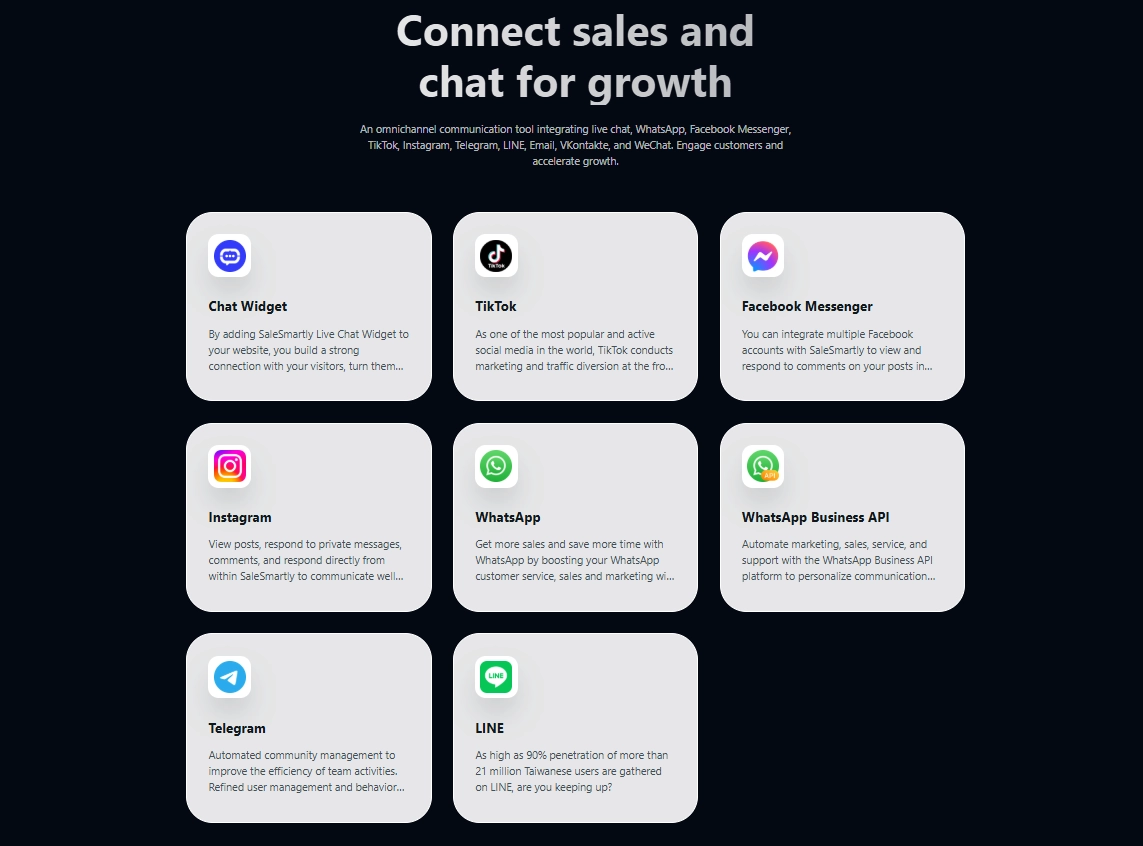
SaleSmartly connects TikTok with a unified omnichannel communication platform, allowing businesses to manage Facebook Messenger, Instagram, WhatsApp, Telegram, Website Live Chat, and TikTok conversations from a single workspace.
Connect TikTok to SaleSmartly
To integrate your TikTok Business account:
- Log in to SaleSmartly.
- Navigate to Integrations.
- Select TikTok Application.
- Click Add.
- Ensure your device region is set to Vietnam.
- Scan the QR code displayed on the screen.
- Grant the required permissions and complete authorization.
Once connected, all TikTok messages will automatically sync to a centralized inbox for easier management.
Build a TikTok Chatbot with SaleSmartly
Unlike basic keyword auto replies, SaleSmartly enables businesses to create advanced TikTok chatbot workflows that mirror real sales and customer service processes.
Step 1: Create a Workflow
Navigate to:
Automation → Create Workflow → Select TikTok Channel → Start Building Your Automation Flow
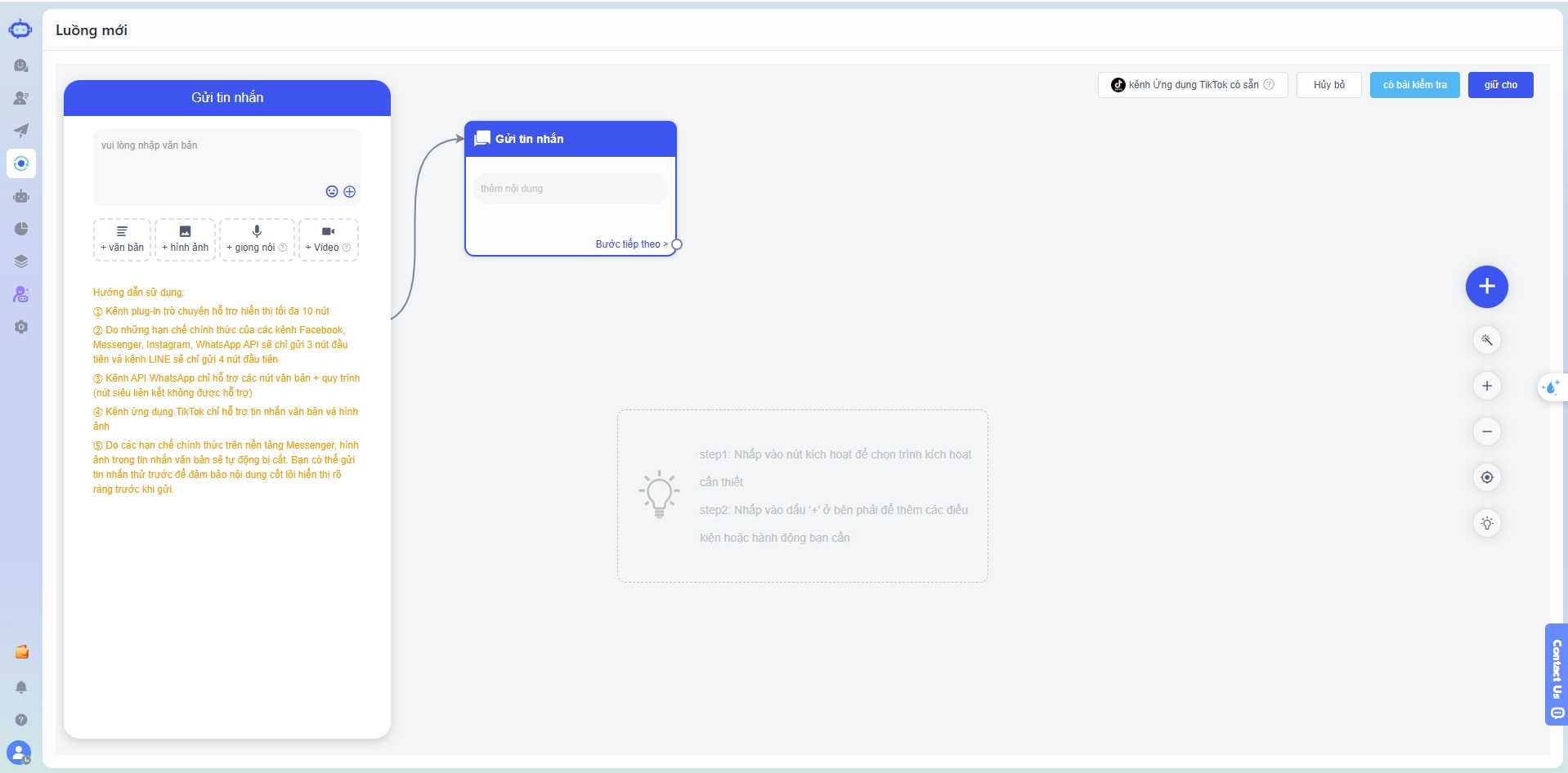
Step 2: Configure Trigger Conditions
Examples include:
- First-time customer messages
- Specific keyword triggers
- Customers from advertising campaigns
- TikTok comment interactions
Step 3: Build the Conversation Flow
Businesses can automate:
- Welcome messages
- Customer information collection
- Product recommendations
- Intent-based conversation branching
Step 4: Automatically Segment Customers
Based on customer responses, SaleSmartly can:
- Apply customer tags
- Categorize leads by interest or intent
- Route customers into different follow-up workflows
Step 5: Transfer to a Human Agent
When customers request detailed quotations or submit inquiries outside the chatbot flow, conversations can be automatically assigned to the appropriate support or sales representative.
This ensures businesses maintain both efficiency and service quality.
Monitor Conversation Performance
SaleSmartly provides real-time reporting dashboards that help businesses track:
- Number of chatbot-handled conversations
- Human handoff rates
- Average response times
- Workflow performance
- Conversation-to-conversion rates
These insights allow teams to continuously optimize chatbot performance based on actual customer behavior rather than assumptions.
Common Mistakes When Setting Up TikTok Auto Replies
Writing Overly Long Welcome Messages
Customers typically want to know what action to take next. Long introductions often reduce engagement and response rates.
No Fallback Strategy for Unrecognized Questions
Customers rarely follow predefined scripts. Without AI-powered understanding or agent escalation, conversations can quickly become frustrating and ineffective.
Failing to Analyze Conversation Data
Many businesses set up a chatbot once and never update it. Customer behavior, products, and promotional campaigns constantly evolve.
Regularly reviewing conversation data ensures automation workflows remain relevant and continue to generate results.
Conclusion
TikTok auto replies are an excellent starting point for improving response times and enhancing customer experience. However, as operations grow, businesses need a more comprehensive solution to manage conversations, customer data, and support workflows across multiple channels.
With TikTok integration, flexible chatbot automation, and centralized conversation management, SaleSmartly helps businesses streamline customer engagement, improve operational efficiency, and drive more revenue through TikTok Shop.
Start your free SaleSmartly trial here.
Customer Personalization: 5 Conversion Tips for Businesses
Customer personalization boosts conversions, improves retention, and reduces costs. Discover 5 strategies for more engaging customer journeys.
Top 5 Zalo Customer Support Platforms for Growing Businesses
Compare the top 5 Zalo customer service software solutions in Vietnam. Explore features, pricing, pros, and limitations to find the best fit.
