 New inquiryWaiting for a next step
Each staff member has their own phone and Zalo account. Management has no idea who is talking to which customer.
 Could someone help me continue my inquiry?

No more switching between phones and accounts. Every Zalo conversation in one place, with an owner and a full history.
See the workflow ↓Sales · NorthConnectedSales · SouthConnectedCustomer careConnected Linh09:42
I can see the earlier conversation. I’ll continue helping you here.
Common multi-account Zalo challenges
New inquiryWaiting for a next stepEach staff member has their own phone and Zalo account. Management has no idea who is talking to which customer.
Could someone help me continue my inquiry?A staff member leaves — and takes the Zalo account and every customer in it with them.
The same customer gets replies from two staff members on two accounts, and the answers do not match.
Multi-account Zalo workflow
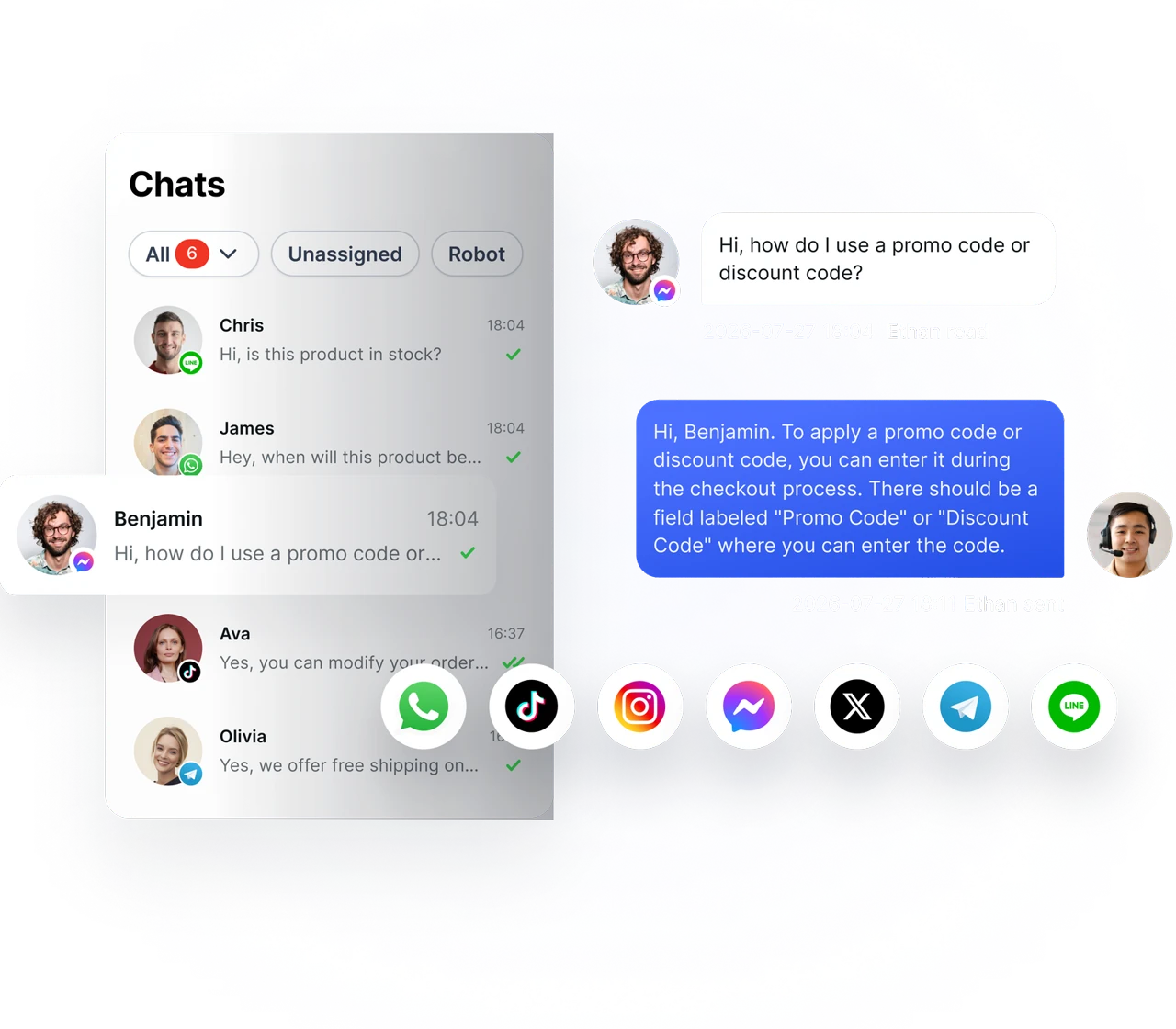
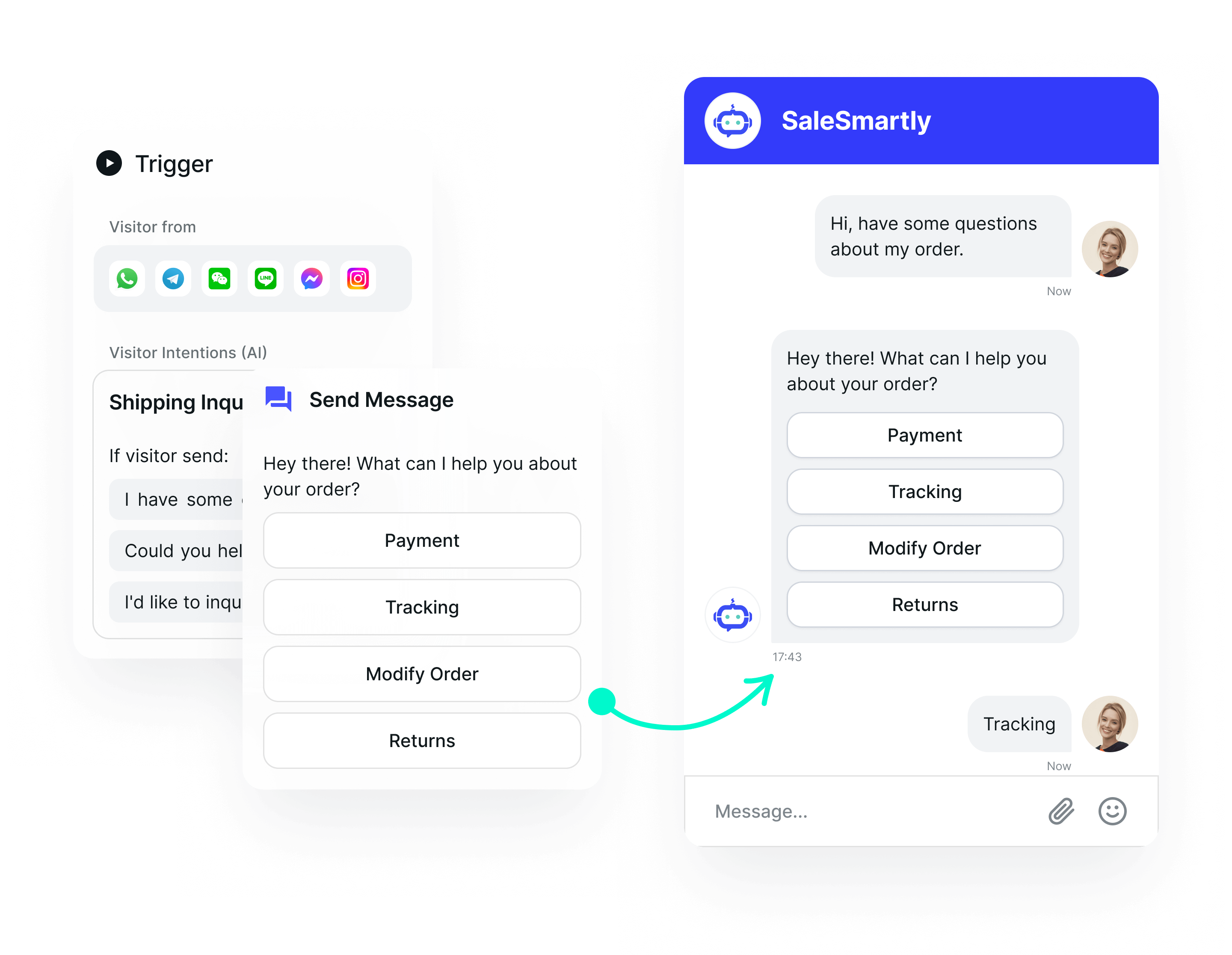
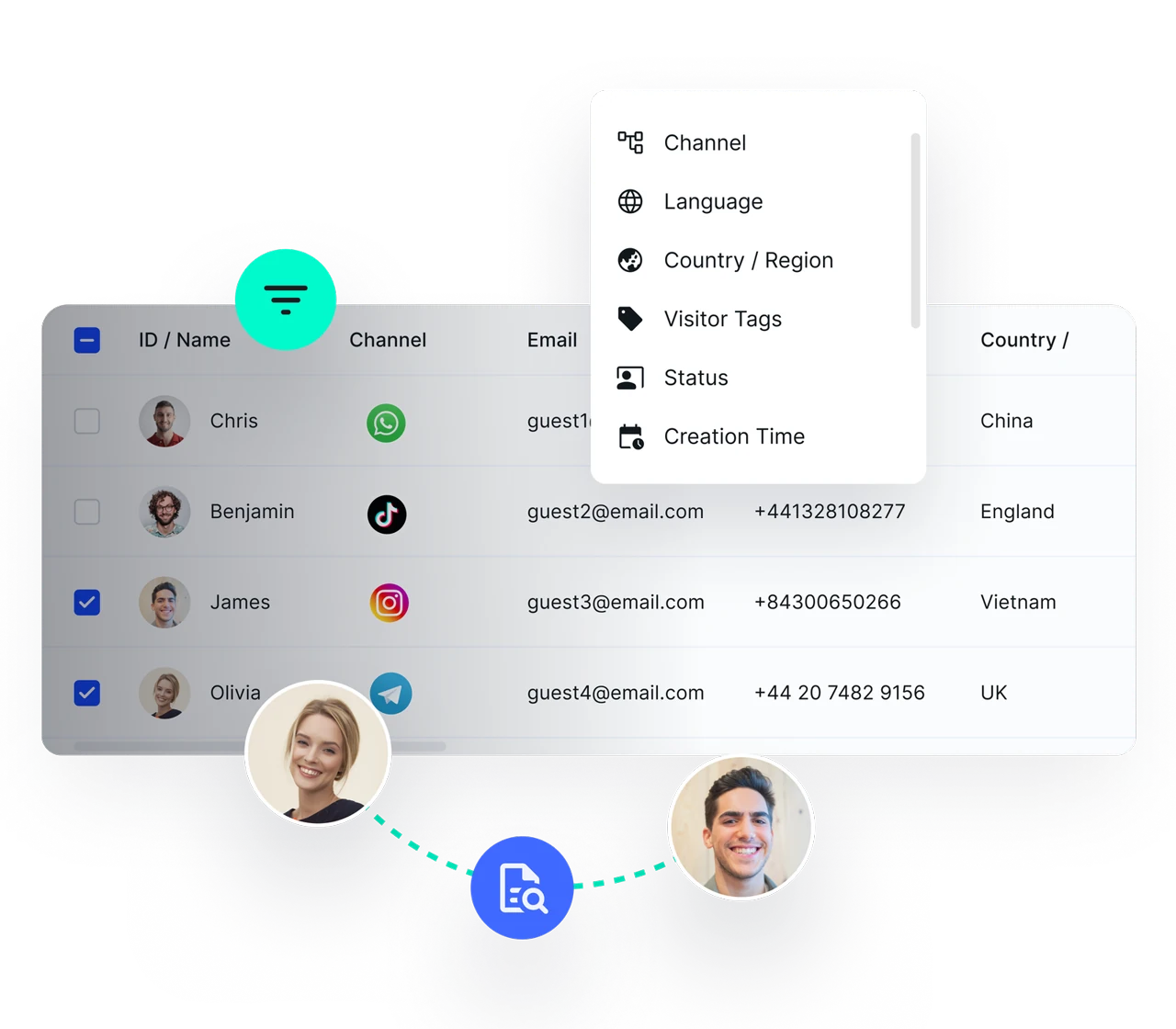
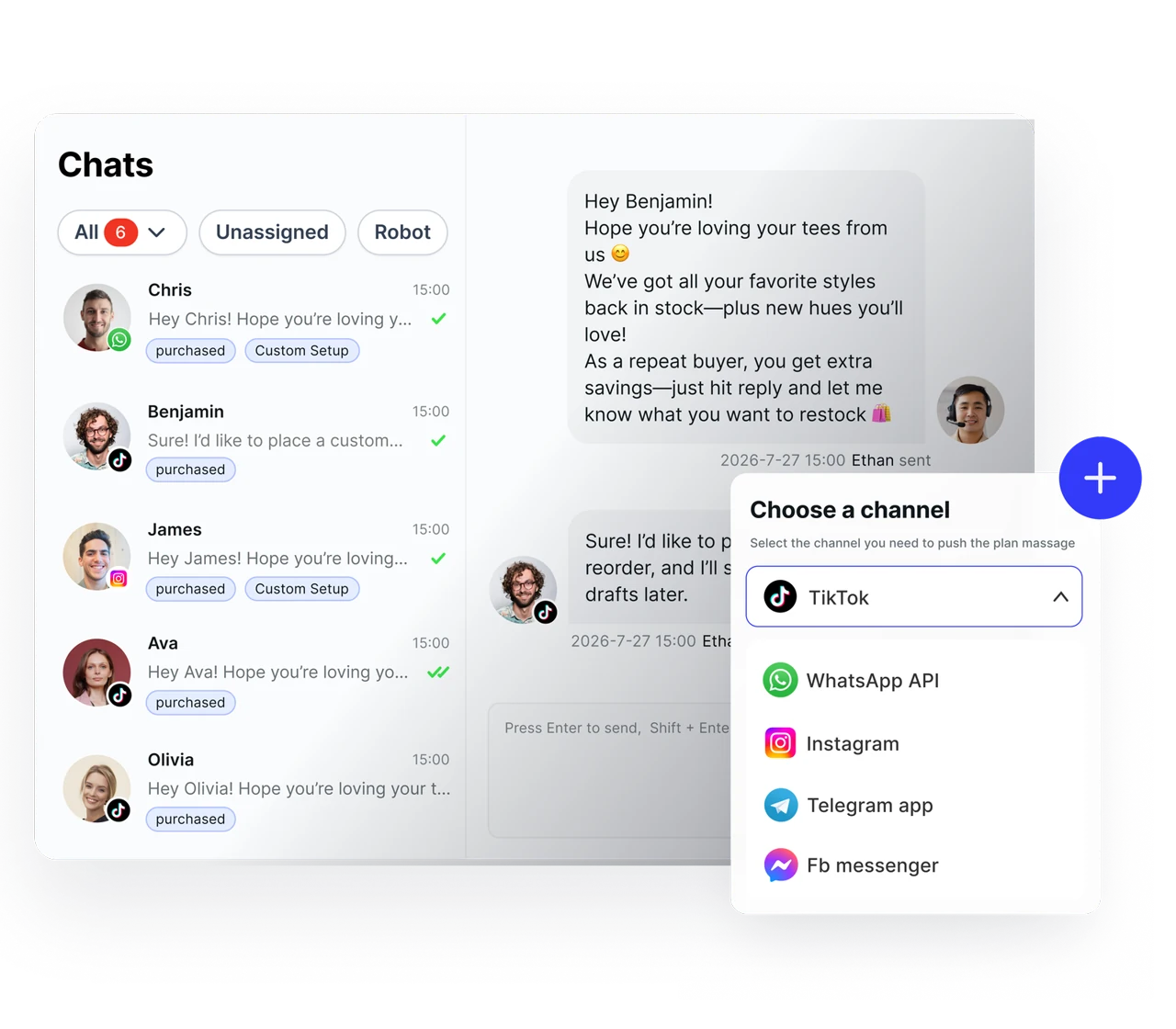
Connect multiple Zalo accounts — Every conversation lands in the same inbox
Assign conversations — Every customer has one clear owner
Member permissions — Decide who can see what and who can act on what
Chat history is kept — Staff change, customer data stays
Add supported Zalo App personal accounts using the documented connection process. Review the account allowance and choose which members can handle each channel.
Keep connected conversations in the workspace and review pending requests before a handover. Maintain company control of account credentials and access.
Our technical specialists guide your team directly, with a product demo based on how you actually work.
Support availability and response times follow your service plan.
Full documentation so your team can look things up and solve problems independently.
SaleSmartly connects Zalo App (personal) accounts. Zalo OA is not supported at this time.
The number depends on your plan and supported channel type. Check the Zalo-specific allowance before choosing a plan; an “official channel” allowance is not automatically a personal Zalo account allowance.
No. Conversation history and customer records are stored in your company’s account. You can revoke a member’s access and reassign their conversations to someone else.
You can start with the free plan. Check the pricing page for current user, channel and AI allowances. WhatsApp API usage may incur separate Meta charges.
SALESMARTLY
Manage multiple Zalo accounts in one shared inbox, with a clear owner for every conversation.