 New inquiryWaiting for a next step
A customer messages and nobody picks it up — or two people answer the same customer.
 Could someone help me continue my inquiry?

Assign conversations, manage member permissions and monitor reply quality — customer data always stays with the company.
See the workflow ↓ Ethan→
 LinhContext includedLinh09:42
I’ve reviewed your earlier messages. I’ll take care of the remaining question.
Common shared-inbox challenges
New inquiryWaiting for a next stepA customer messages and nobody picks it up — or two people answer the same customer.
Could someone help me continue my inquiry?Management cannot see how staff actually replied to customers.
A staff member leaves, and the customers they were following are dropped halfway.
Team management workflow
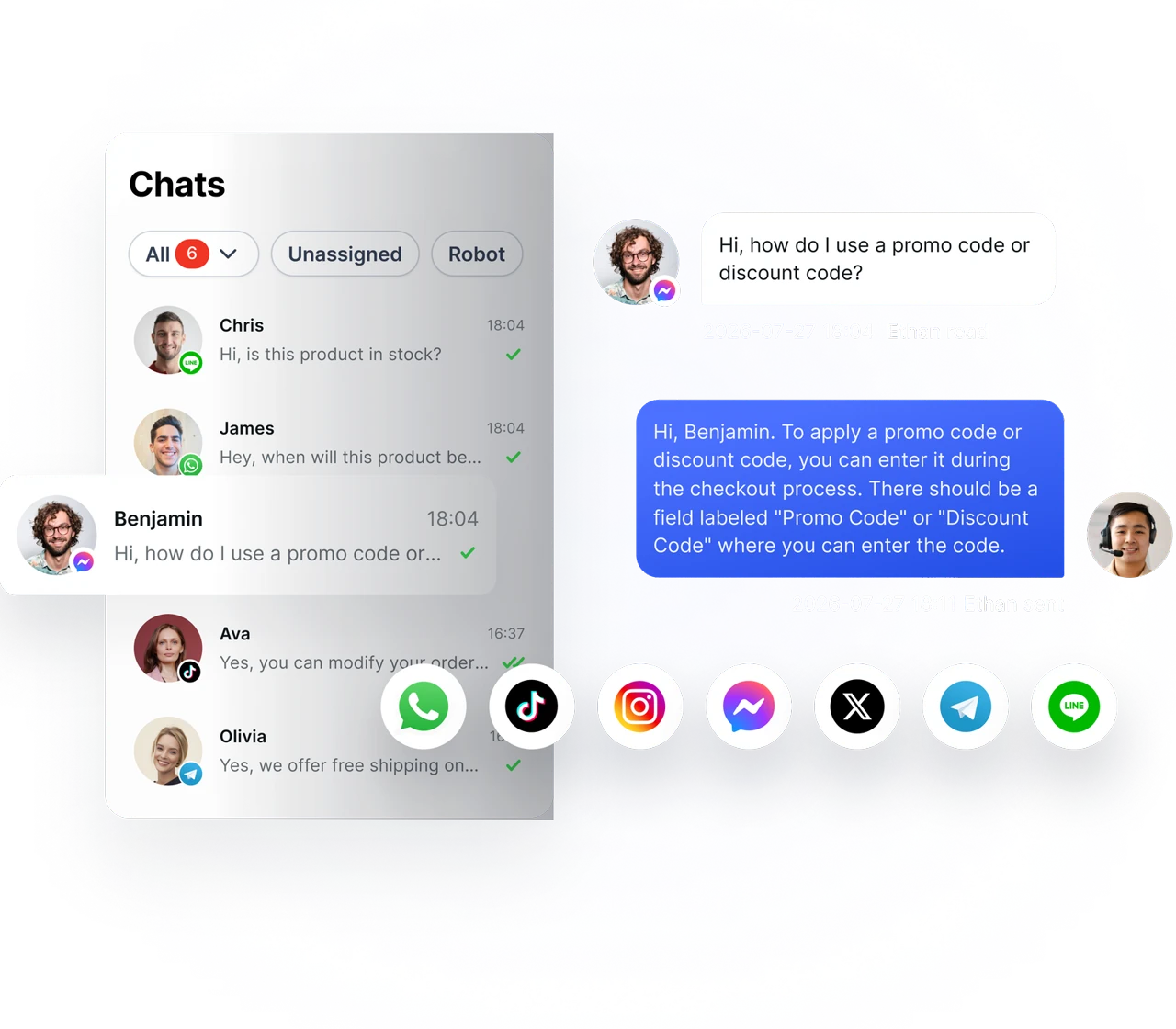
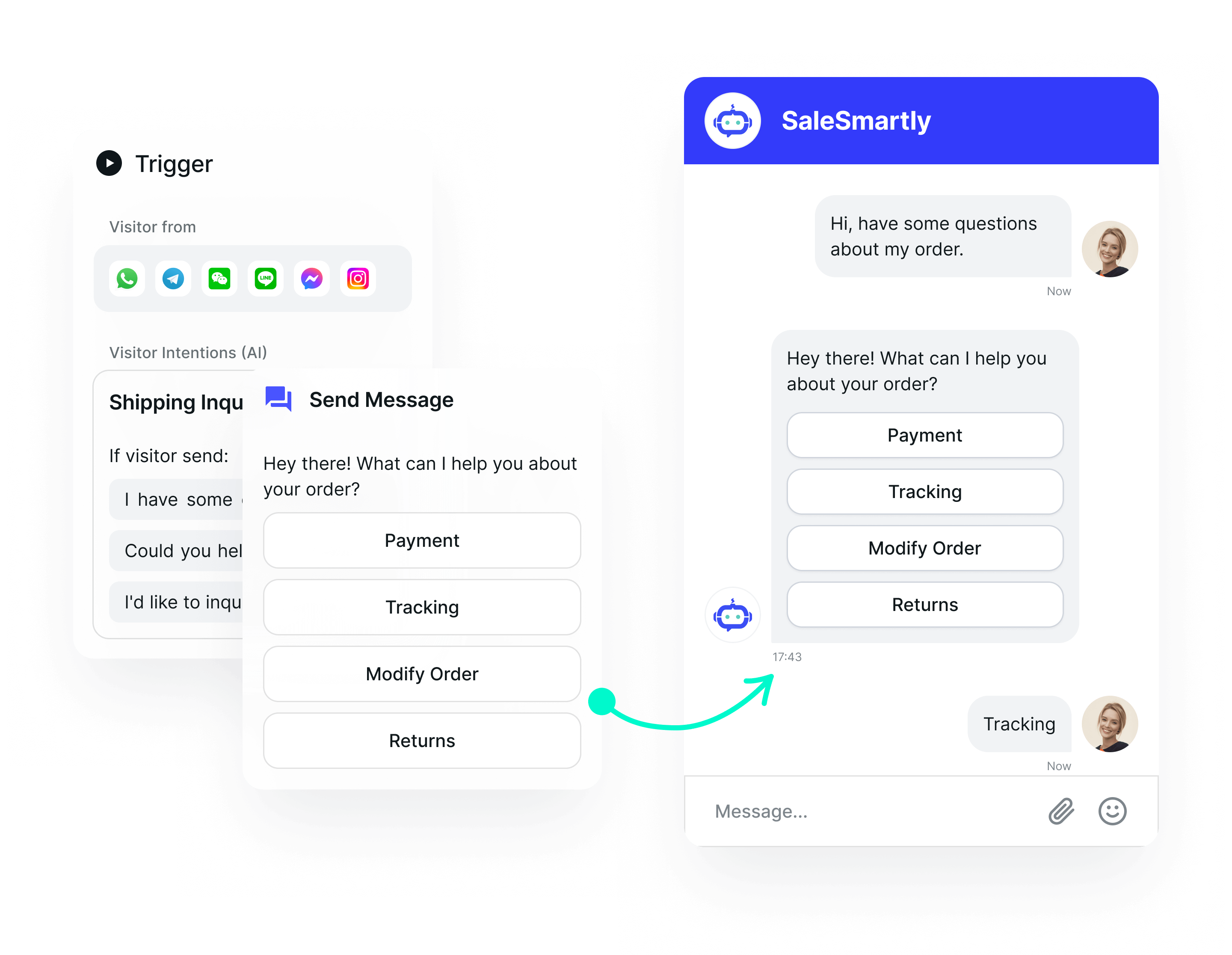
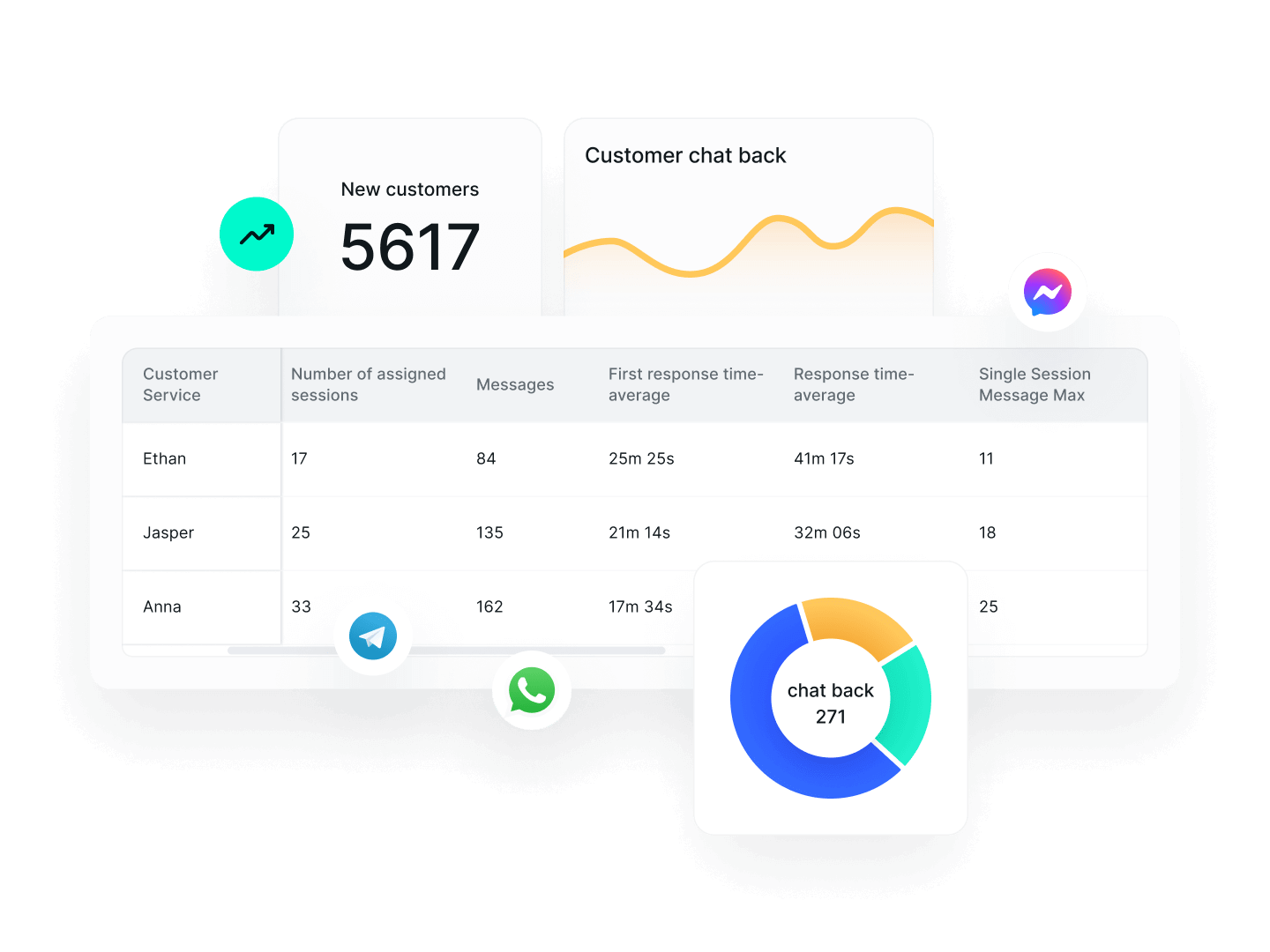
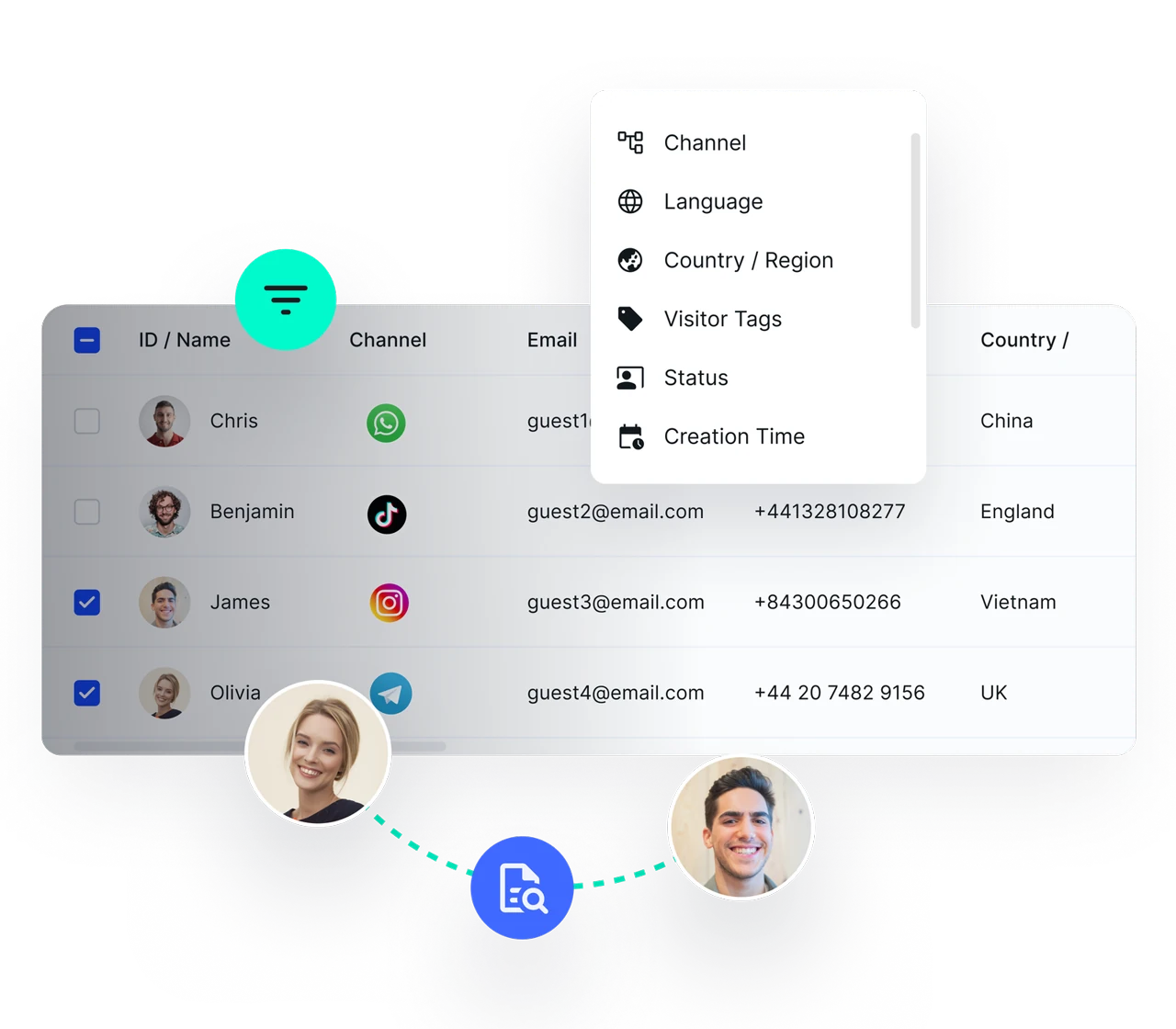
Shared inbox — Every conversation from every channel in one place
Auto-assignment — By shift, by customer tag or by expertise
Permissions and shifts — Decide who can see what and who is online when
Review history and hand over — Reassign a customer in one action
Define routing rules and member access, then check the unassigned queue so incoming requests do not become everyone’s responsibility and nobody’s task.
Review history, update customer notes and reassign the conversation. Revoke a departing member’s workspace access as part of your handover process.
Yes. Connect the channel once and the whole team works from one shared inbox, with an owner assigned to each conversation.
Yes. Role-based permissions let you decide which member can see which conversations and what actions they can take.
No. When a conversation is reassigned, the full history and customer record stay with it.
You can start with the free plan. Check the pricing page for current user, channel and AI allowances. WhatsApp API usage may incur separate Meta charges.
SALESMARTLY
One shared inbox for your team: assign chats, set permissions and hand over customers with full history.